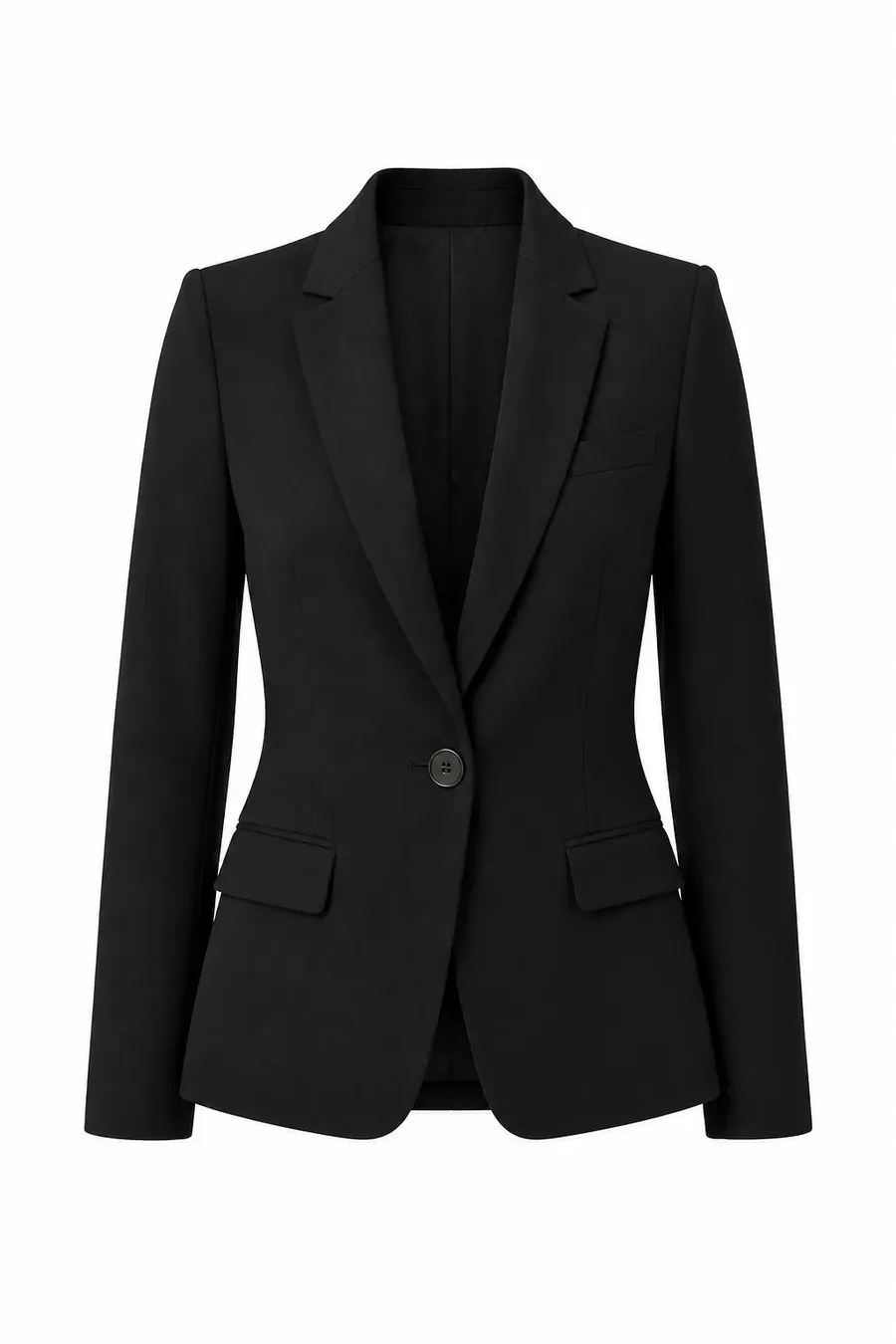
Blazer
Buy

From agreeing to start, uploading a photo, and waiting for generation, to previewing the look—the full shopper journey.
Step 1
Agree and start
Review the flow, accept terms, and begin
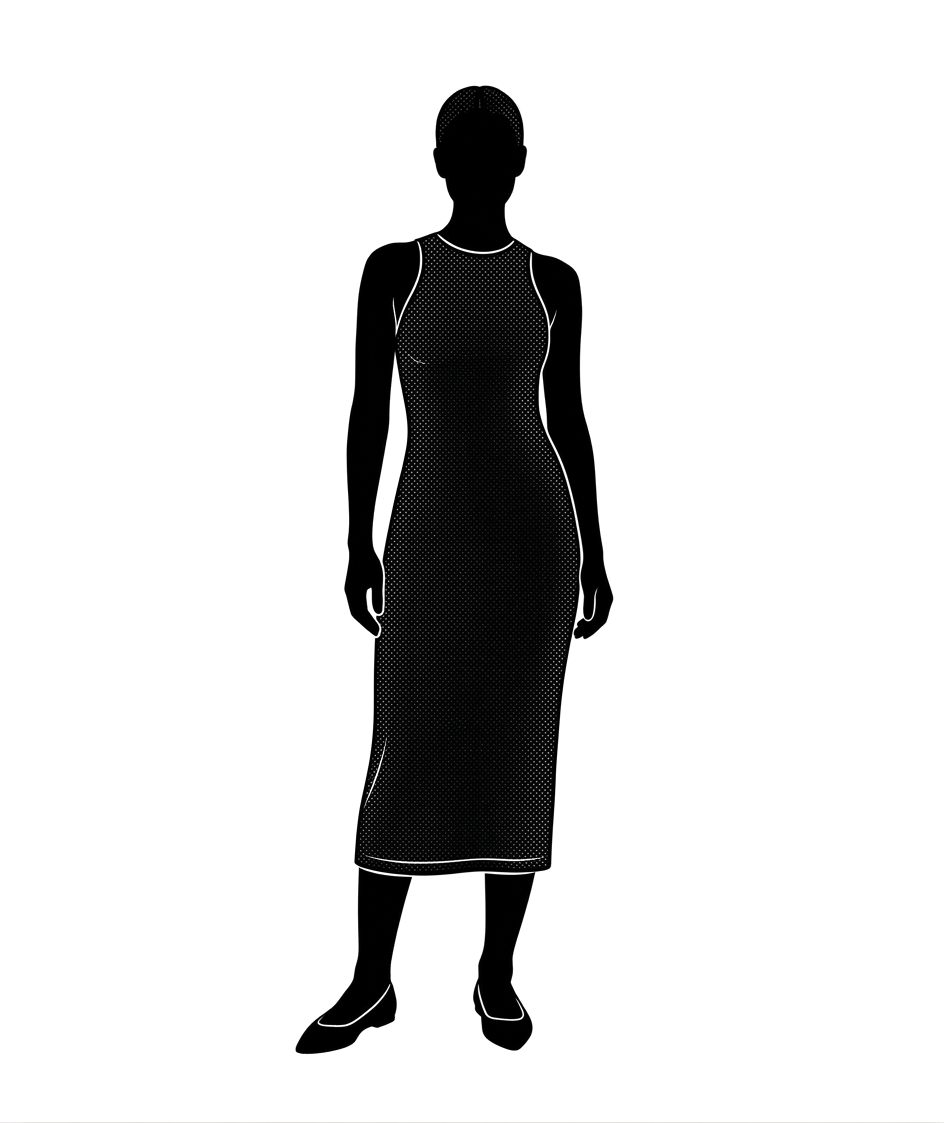
上傳一張全身照,預覽這件商品穿在你身上的樣子。

Step 2
Upload a full-body photo
Upload a clear full-body photo, or try an example
照片越清楚,試穿越準。
直式全身照效果最好
單人、光線充足、避免大動作
JPG / PNG,10MB 以內
Step 3
Generating your look
About 15 seconds—keep the page open
正在生成你的試穿
大約 15 秒 · 請保持頁面開啟
Step 4
Preview your look
Download when ready, or try on again
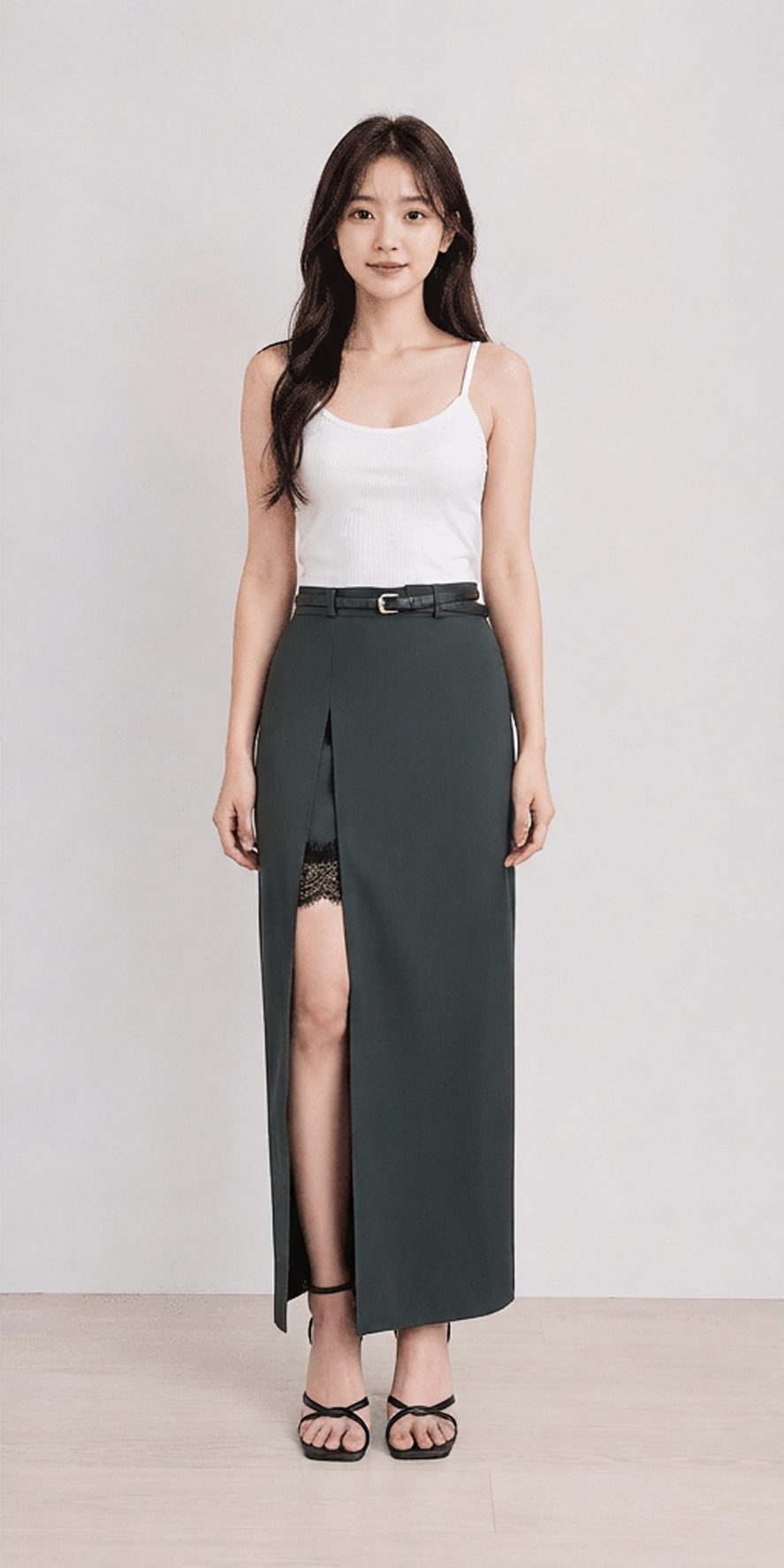
生成完成,可以下載,或再試一次。
下載照片One full-body photo—tap try on to instantly see different items on you.
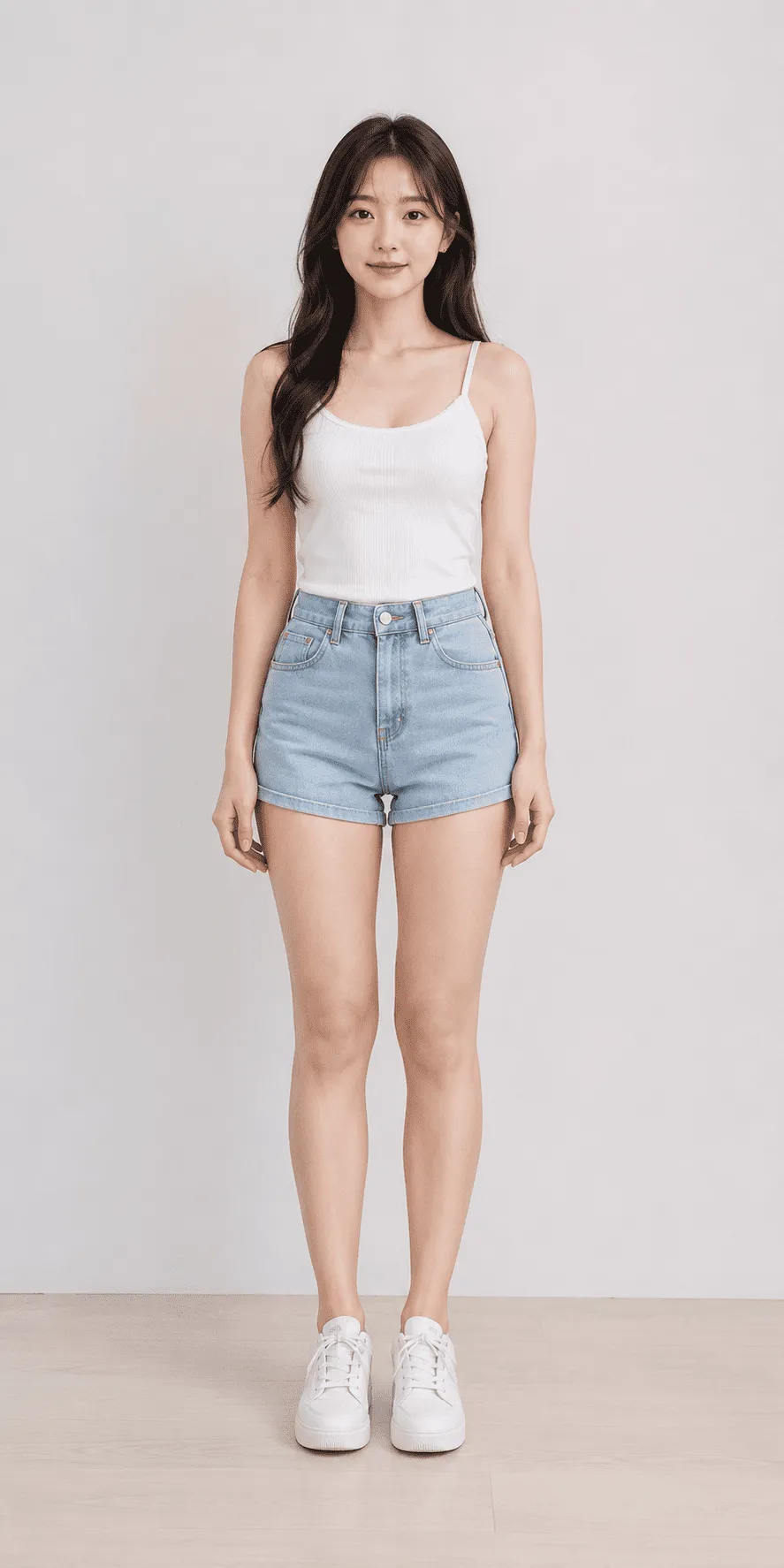

Preview the look to cut hesitation and returns.
A personal try-on journey that deepens brand recall.
Bring in-store fitting confidence to every device.